Containment beats permission
Coding agents should run unsupervised, but inside a dev environment that's safe to be wrong in. The agent boundary is the wrong line to defend.
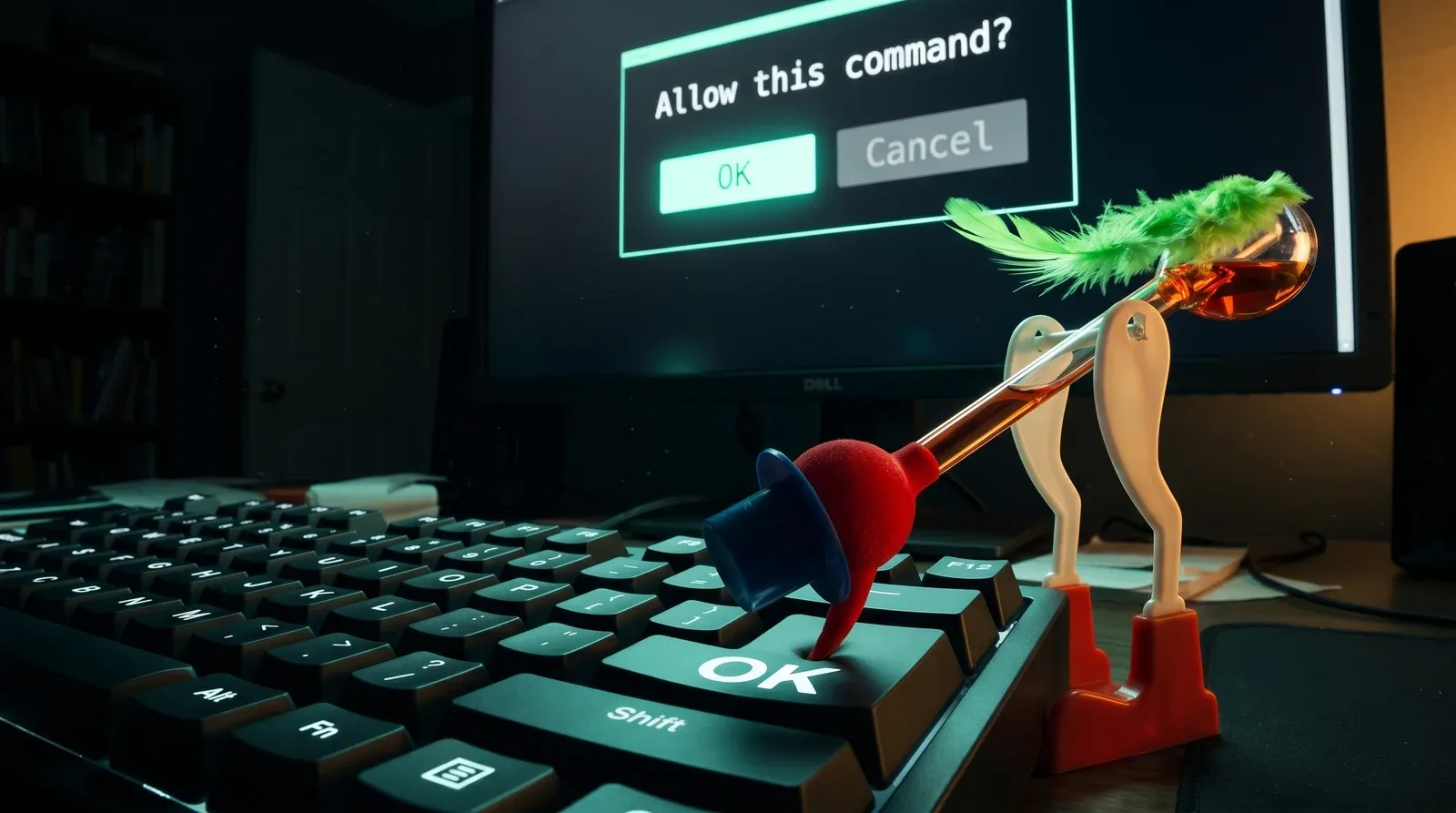
Most of the advice I see on running coding agents safely starts with “approve carefully, sandbox tightly, watch what they do.” I think that’s the wrong shape of the problem. Approve carelessly, contain ruthlessly, and don’t watch them at all. The whole point of running a coding agent is to claw back the hour a day you used to spend on the bits a junior developer would have done; if you’re sitting there clicking “allow this command” forty times in a session, you’ve recreated the labour you were trying to escape, and you’ve done so for a security model that doesn’t really work in practice.
The engineers I work with who haven’t switched into YOLO mode are still sitting there clicking yes on the approval modal every twenty seconds, and the thing they’re absolutely not doing is reading it. They’ve been trained, in the literal behavioural sense, to dismiss the prompt before their conscious mind has registered what it said. This is what approval prompts decay into. The first ten times you see one you read it carefully, the next hundred your eye skims, and by then you’re clicking yes the moment the modal appears, because the cost of reading every prompt outweighs the value of catching the one in a thousand that matters. The system was designed assuming you wouldn’t behave that way, and you do anyway, because you’re a person and that’s what people do with high-frequency low-value interrupts. Once you’ve started clicking through, the prompt has become decoration, and it’s more honest to treat it like decoration than to pretend it’s a control.
So what would actually keep you safe if the agent ran without that prompt? The layer below the agent. The laptop, the user account, the credentials parked in your home directory, the SSH key your IDE quietly forwards, the long tail of files and tokens your shell has access to whenever it runs anything. The agent doesn’t have to do anything malicious for that layer to leak; a package it installs can ship a build hook that runs the first time the project is touched, a VS Code extension you trusted a year ago can start phoning home in its next update, a Python script three dependencies deep can read whatever your user can read. The agent is the messenger, not the threat.
If that’s the shape of the threat, the right control isn’t permission, it’s containment. Make the box the agent runs in cheap to throw away. A devcontainer setup, or even plain Docker if you don’t fancy the ceremony, gets you most of the way there - the agent, its tools, the half-trusted code it pulls in and everything attached to that code all run inside something that has no path to your shell, your SSH agent, your browser session or your home directory. Outbound network goes to the places code legitimately needs to reach, and inbound to the host stays closed unless you’ve explicitly punched a hole for it. When something does go wrong, and it will, the recovery is “rebuild the container” rather than “rotate every credential I’ve ever issued and reinstall my operating system.”
The shift this requires is treating your dev environment the way operations people learned to treat their servers a decade ago. The laptop is not a precious snowflake you’ve spent years configuring; the box inside the container is. The laptop holds your browser, your password manager, your work documents, your messaging apps. It does not hold your codebase, your deploy keys, your .env, your SSH agent forwarded into a shell that’s about to run npm install on a Tuesday. Once that line is drawn properly, you can let the agent do whatever it wants inside the cheap box, because the cost of it being wrong is bounded.
The places I most often see this fall apart on fractional engagements aren’t surprising. People bind-mount the host’s docker socket into the container because some tool asked for it and the README said it was fine, which leaves them with a container that has root on the host whenever the tool wants it. People keep deploying from their laptop with a long-lived deploy key in their home directory, then put the laptop in a container, then look puzzled when the threat has just moved one layer up. People test the webapp their container builds in a browser running on the host, against a backend running inside the container, on an OS already authenticated to every internal tool the company uses - and the trust path now runs precisely the wrong way around the boundary they thought they’d drawn. The first fix in every case is to move the sensitive thing out of the agent’s reach rather than down into the box with it.
So: turn off the approvals, accept that some of what runs inside the box will eventually be hostile, and put the boundary where it actually matters. A coding agent worth using is one you don’t have to supervise, and the way you afford to not supervise it is by making sure that when it inevitably does something you didn’t intend, the blast radius stops at the edge of something you were going to throw away anyway.